
23 October 2026 · teacher, thank you, teacher appreciation, class parent, winter break, end of school year
A thank-you from the whole class: how to organize it for a teacher
How a class parent can organize a thank-you video for a teacher from the whole class: one link in the class chat, ideas for what kids of every age can say, and delivery on the last day before break.
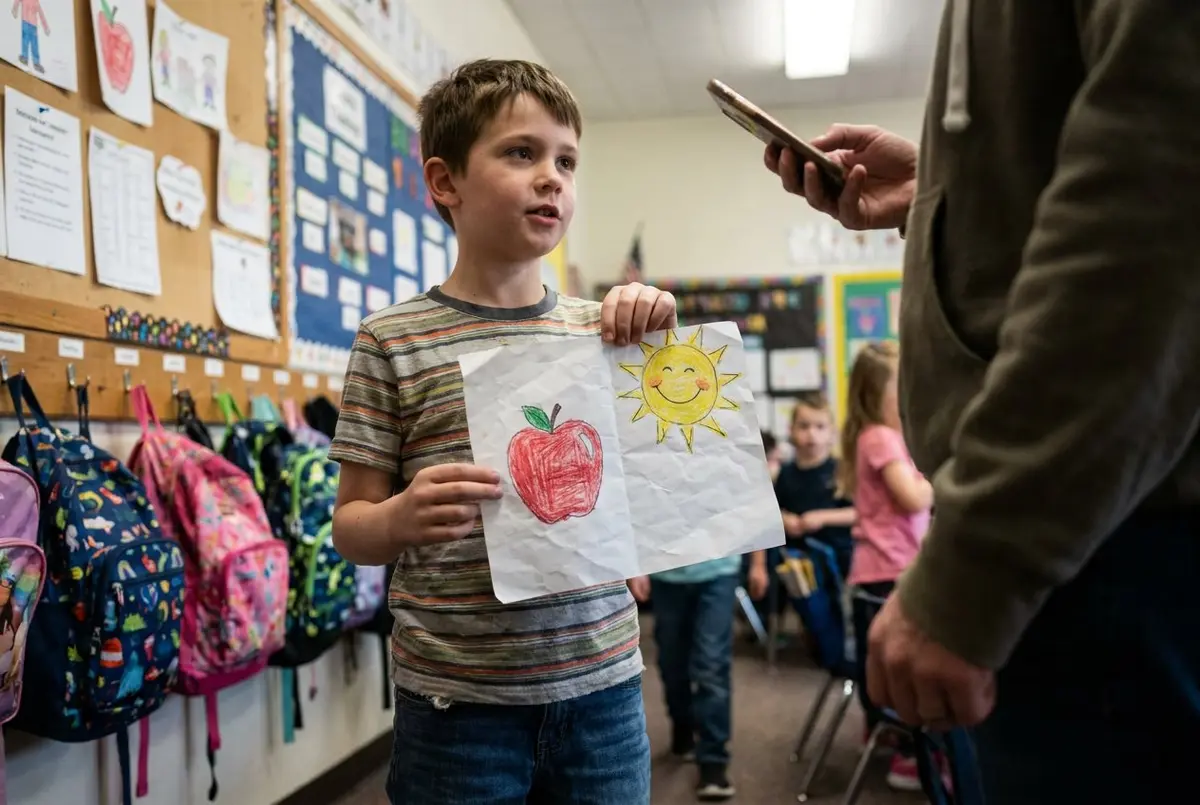
To organize a thank-you from the whole class, post one link in the class group chat, give families about two weeks to add a short video, voice note, drawing or written message, and have it open for the teacher on the last day before break. It's about an hour of work for the class parent, spread over those two weeks.
It works just as well before winter break as at the end of the school year.
Pick the day and share one link
Set it to open on the last day before break, at a time after dismissal. At 3:30, your teacher can watch it in an empty classroom instead of between spelling and lunch.
Then post the link in the class chat, or on the class email list if that's where people actually read. Something like:
"Hi all, we're making a thank-you video for Ms. Alvarez before winter break. Tap the link and add a short video, a voice note, a photo of a drawing or a written message from your kid (and from you, if you like). It takes five minutes and there's no app. Please add yours by December 11. And don't tell Ms. Alvarez."
Set the deadline a few days before the real date. You'll want the slack.
Getting 20+ families to take part
In a class of 24, expect about half to respond to the first message. That's normal. The rest usually need a nudge or two.
- Post the first message on a Sunday evening, when parents are catching up on the chat.
- Add your own kid's message first and say so in the chat. Once one is in, it looks doable.
- As the organizer, you can see who has added a message. A week in, post the ready-made reminder in the chat. Post one more two days before the deadline.
- Some families aren't in the chat. Invite them by email, each with their own link, and remind only the ones still missing with one tap. Nothing gets sent automatically, so the reminders come from you.
- Say that any language is welcome. A kid thanking the teacher in Spanish or Vietnamese with a parent translating is often the best minute in the video.
- Ask your co-room parent to mention it at pickup. A word at the curb gets more responses than a third chat message.
It's free for up to 10 messages in the video. With a big class, one easy way to use that well: kids who see each other outside school can record together. Four second-graders on a playdate couch, all talking at once, is a crowd favorite.
Get everyone's messages into one video
Share one link, every family adds a short video, voice note, photos or a written message from their phone, and on the last day it all plays as one video.
What kids of different ages can say or show
Preschool and kindergarten: Hold up a drawing and say one sentence. Parents, ask a real question and film the answer: "What's your favorite thing Ms. Alvarez does?" You'll get lines like "Thank you for letting me feed Peanut" (the class hamster) or "You do the best voice for the bear." Kids who freeze on camera can send a photo of the drawing with a few words from the parent. Up to 10 photos fit, so the paper snowflake can come too.
First to third grade: One thing they learned and one thing they liked. "I learned how to carry the one. I liked when you read the Magic Tree House books in the pirate voice." Short is fine. Twenty kids at fifteen seconds each is already five minutes.
Fourth and fifth grade: Old enough to be funny on purpose. "Thank you for not giving up on me in fractions. I still don't like them, but I can do them now." Or: "You called my volcano project 'ambitious.' I've decided that was a compliment."
Middle and high school: Teens often won't film themselves. A voice note works, and here's what to say in a voice message if they're stuck. One sentence about one thing the teacher did is enough: "When I was out sick for a week, you sent the notes home with Kai and didn't make me feel behind."
What parents can say
Parents see things the kids don't, and teachers rarely hear them. Keep it short and specific:
- "Maya cried at drop-off every morning in September. By October she was running in without looking back. That was you."
- "Thank you for the note about Jonah's story in November. He's read it to us six times since."
- "Thank you for answering my 9 p.m. email about the field trip form like it was a reasonable hour to send an email."
Privacy, since parents will ask
Mention this in your first message and you'll skip a dozen side questions. Only the people in the video can see it. It's never posted anywhere, there are no ads, and it's stored in the EU. Before the day, families can't see each other's messages.
Kids who shouldn't or don't want to appear on camera can still take part with a voice note, a photo of a drawing or a written message.
Put it in order and deliver it
A few days before, go through what came in. You can change the order, trim the start and end of each message (the "is it recording?" part) and hide one if needed. What people say is never edited. A good order: a couple of lively ones up front, the parents' messages mixed in, and one quiet one to finish.
Then give the teacher the private link on the last day. Email it, or write it inside the class card. Until 3:30 it shows a countdown. Then they press play, and they can pause and come back later if a parent pops in. When they're done, they can send one message back to everyone, and your class chat will want to hear it.
Get it started
See how it works before you post in the class chat. For more on getting slow responders to send something, read How to collect video messages.